If your WordPress site isn’t getting the search visibility you expect, it’s often not because “SEO doesn’t work.” It’s usually because a few technical gaps are quietly holding you back, slowing down your site, confusing Google, and weakening user experience.
Below are 10 of the most damaging WordPress SEO mistakes we see on underperforming websites, along with practical fixes you can apply right away. This is a technical-focused guide designed to help you protect your search rankings, improve WP optimization, and build a cleaner foundation for long-term growth.
Blocking Search Engines Without Realizing It
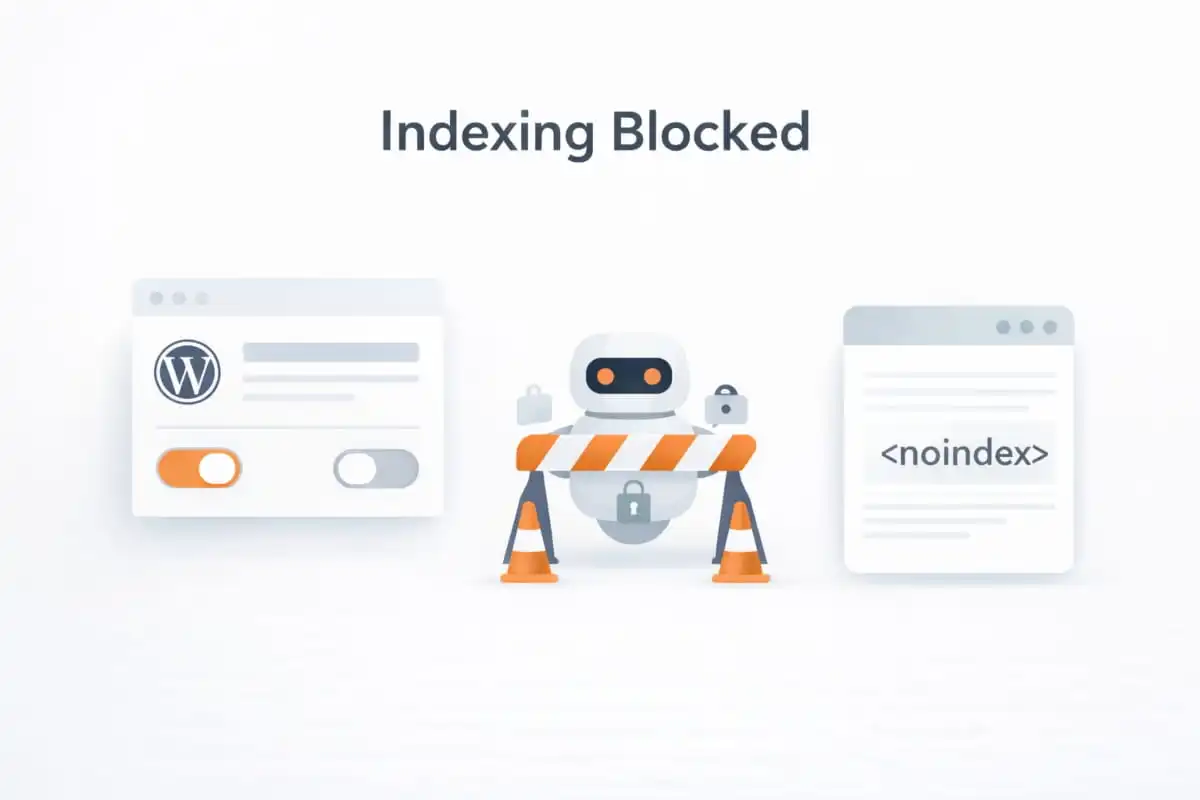
One of the most damaging WordPress SEO mistakes we see is unintentionally blocking search engines from indexing a site. In WordPress, a single privacy setting or an overly restrictive configuration inside an SEO plugin can quietly tell Google to stay away. When that happens, even your best pages won’t appear in search results, which directly impacts visibility, leads, and overall search performance.
What happens
If indexing is disabled, Google won’t crawl and store your pages in its index. As a result, your site may not show up for branded searches, service keywords, or any pages you’re trying to rank, no matter how strong the content is.
How to fix it
- In your WordPress dashboard, go to Settings → Reading.
- Make sure “Discourage search engines from indexing this site” is unchecked.
- Check your SEO plugin settings (Yoast or Rank Math) to confirm key pages are set to index (not “noindex”).
- After updating, use Google Search Console to request indexing for important URLs.
If you’d like a professional team to verify your indexing setup, fix technical blockers, and ensure your site is fully crawlable, explore our wordpress seo services. You can also work with a dedicated wordpress seo consultant to audit your WordPress settings and plugin configurations to prevent these issues from returning.
Not Using Proper Permalink Structure
Another common WordPress SEO mistake is leaving your site on a default or inconsistent permalink setup. Permalinks are the permanent URLs WordPress generates for posts and pages, and they play a key role in both user experience and how search engines understand your content. Clean, descriptive URLs help visitors trust what they’re clicking and help Google interpret page relevance faster.
What happens
When WordPress uses URLs like /?p=123 or lengthy query strings, your pages look unclear and less trustworthy. These messy structures can reduce click-through rates in search results and weaken the SEO signals that come from keyword-relevant, readable URLs. Over time, this can negatively affect crawl efficiency and overall search rankings, especially on larger sites.
How to fix it
- In your WordPress dashboard, go to Settings → Permalinks.
- Select the post name as your preferred structure.
- Keep URLs short, readable, and naturally aligned with the page topic (avoid extra dates, numbers, or unnecessary folders).
- If you change existing URLs, set up proper 301 redirects to prevent broken links and lost rankings.
If your site already has messy URLs and you’re unsure how to update them safely without hurting traffic, our wordpress seo services can handle the permalink cleanup, redirects, and technical SEO checks end-to-end. Many businesses also choose to work with a wordpress seo agency to ensure URL structure supports long-term growth and avoids future indexing or duplication issues.
Duplicate Content From Categories, Tags, and Archives
WordPress automatically creates multiple archive pages, such as categories, tags, author archives, and date-based archives, to organize content. While useful for navigation, these pages often repeat or partially duplicate existing content. When left unmanaged, they become a serious WordPress SEO mistake that weakens your site’s technical SEO foundation.
What happens
Uncontrolled archives can lead to:
- Keyword cannibalization, where multiple URLs compete for the same search terms
- Diluted page authority, as ranking signals are spread across similar pages
- Index bloat, which wastes crawl budget and makes it harder for search engines to prioritize your most valuable pages
Over time, this can reduce overall search visibility and limit the performance of your core service and content pages.
How to fix it
- Noindex low-value archives, such as tag pages or author pages that don’t add unique value.
- Merge or remove thin categories and tags that contain little or repetitive content.
- Define a clear purpose for every indexable page, ensuring it targets a distinct topic or intent.
- Use your SEO plugin (Yoast or Rank Math) to control archive indexing and canonical settings.
If archive-related duplication is affecting your rankings, our wordpress seo services can audit your site structure and clean up index bloat effectively. Businesses often rely on a trusted wordpress seo expert to align categories, tags, and archives with a scalable technical SEO strategy that supports long-term growth.
Weak Internal Linking (Or None at All)
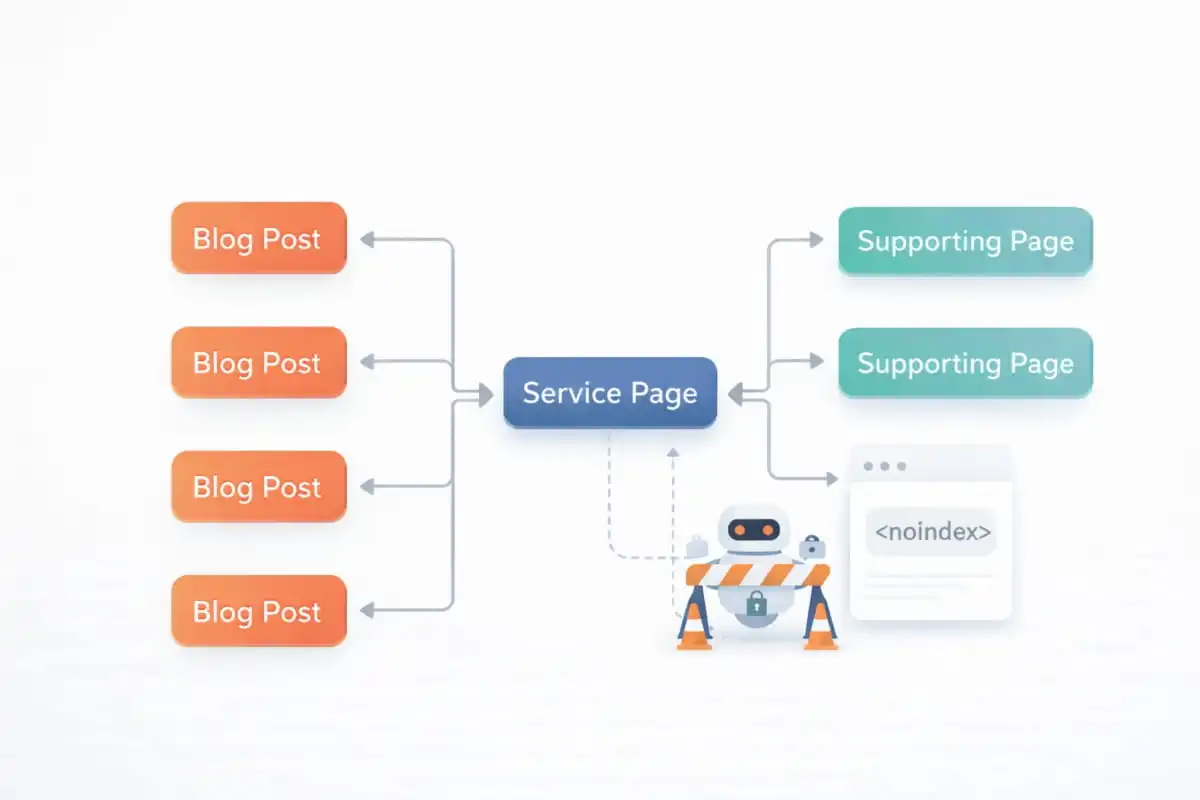
Weak or inconsistent internal linking is one of the most overlooked WordPress SEO mistakes, yet it has a direct impact on crawlability, page authority, and rankings. Internal links help search engines understand how your content is connected, which pages are most important, and how authority should flow across your website.
What happens
When internal linking is poorly implemented:
- Important pages remain orphaned, with little or no internal support
- Google struggles to understand your site structure and content hierarchy
- High-authority pages fail to pass value to key service and conversion pages
This limits the ranking potential of your most valuable URLs, even if the content itself is strong.
How to fix it
- Add contextual links between related blog posts, guides, and service pages.
- Use descriptive anchor text that clearly reflects the topic of the linked page (avoid generic phrases like “click here”).
- Link consistently to priority pages, especially core services and high-converting URLs.
- Review older content and update it with relevant internal links to newer or more important pages.
If you’re building a structured internal linking strategy across service pages and blog content, a wordpress seo consultant can map internal link pathways to strengthen your money pages. Many businesses also rely on our wordpress seo services to create scalable internal linking frameworks that support long-term technical SEO and sustainable search growth.
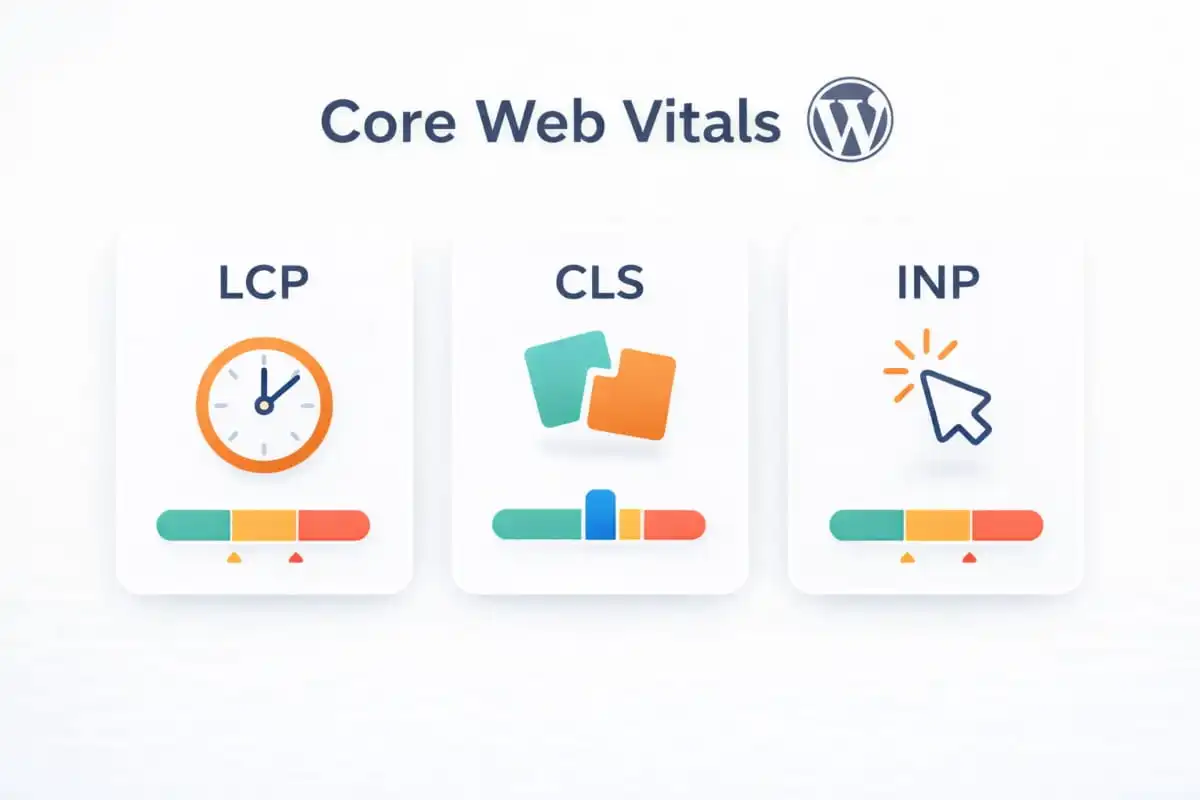
Poor Core Web Vitals and Layout Shift
Even if your content is strong, performance issues can quietly hold your site back. Core Web Vitals are user experience signals Google uses to evaluate how quickly and smoothly a page loads and responds. On WordPress sites, layout shift, heavy scripts, and slow rendering are common technical issues that can reduce engagement and hurt search visibility, making this one of the most impactful WordPress SEO mistakes to fix.
What happens
When Core Web Vitals are poor, users feel it immediately:
- CLS (Cumulative Layout Shift): elements “jump” while the page loads, causing misclicks and frustration
- INP (Interaction to Next Paint): The site feels sluggish when users tap, click, or scroll
- LCP (Largest Contentful Paint): the main content loads slowly, making the page feel “heavy” or unresponsive
These issues don’t just annoy visitors; they can reduce time on site, increase bounce rates, and weaken overall search rankings.
How to fix it
- Choose performance-focused hosting built for WordPress (fast servers, optimized caching, strong TTFB).
- Preload critical assets like fonts and hero images so key elements render faster.
- Reduce third-party scripts (chat tools, trackers, ad scripts) or load them conditionally to avoid blocking performance.
- Optimise above-the-fold content by prioritizing critical CSS, compressing large visuals, and delaying non-essential scripts.
If you’re unsure which scripts, assets, or theme components are hurting your Core Web Vitals, our wordpress seo services include performance audits and technical fixes tailored to WordPress. You can also work with a dedicated wordpress seo expert to improve LCP, CLS, and INP without sacrificing design or functionality.
Missing or Misconfigured XML Sitemap
An XML sitemap acts as a roadmap for search engines, helping Google discover, crawl, and prioritize your content efficiently. One of the more technical WordPress SEO mistakes is either not submitting a sitemap at all or submitting one filled with low-value or unnecessary URLs. When this happens, search engines may struggle to understand which pages truly matter.
What happens
A poorly managed XML sitemap can lead to:
- Indexing delays, especially for new or updated pages
- Important pages are being missed or crawled less frequently
- Wasted crawl budget on thin archives, tag pages, or parameter-based URLs
Over time, this reduces crawl efficiency and limits the visibility of your high-value content and service pages.
How to fix it
- Enable the XML sitemap in your SEO plugin (Yoast or Rank Math).
- Submit the sitemap in Google Search Console to ensure Google can access it easily.
- Exclude unnecessary URLs such as tag pages, thin archives, and parameter-based pages that don’t add SEO value.
- Regularly review your sitemap to ensure it reflects your current site structure and priorities.
If you’re unsure whether your sitemap is helping or hurting your SEO, our wordpress seo services include sitemap audits and crawl optimization. Many businesses partner with a trusted wordpress seo company to ensure their XML sitemaps support technical SEO goals and maximize indexing efficiency.
Thin Content and Unhelpful Pages
WordPress makes publishing incredibly easy, which is great for consistency, but it also increases the risk of creating pages that don’t fully answer what users are searching for. Thin or unhelpful content is a common WordPress SEO mistake because it weakens relevance, reduces trust, and signals to Google that your site may not be the best result for the query. For long-term growth, content needs to match search intent and provide real value.
What happens
When pages are too short, repetitive, or unclear, you’ll typically see:
- Low engagement (higher bounce rates, shorter time on page, fewer conversions)
- Low topical authority, because Google can’t confidently associate your site with expertise in a subject area
- Lower rankings, even for stronger pages, because the overall content quality and relevance signals are diluted
How to fix it
- Combine overlapping posts to prevent keyword cannibalization and consolidate authority into fewer, stronger pages.
- Add depth by including FAQs, step-by-step guidance, examples, visuals, and clear takeaways that satisfy user intent.
- Update outdated posts, especially in fast-changing areas like technical SEO and WP optimization, to keep content accurate and competitive.
- Align each page to search intent, make it clear whether the page is informational (educational) or transactional (designed to drive inquiries and sales).
If you want a content plan that improves topical authority and supports better search visibility, our wordpress seo services can identify thin pages, content gaps, and consolidation opportunities. You can also work with a dedicated wordpress seo consultant to map content to intent and build a strategy that strengthens rankings without creating internal competition.
Improper Canonical Tags (Or No Canonicals)
Canonical tags play a critical role in technical SEO by telling search engines which version of a page should be treated as the primary one. When canonicals are missing, incorrect, or inconsistent, search engines may view multiple URLs as separate pages, making this a serious WordPress SEO mistake that can quietly undermine your rankings.
What happens
Without proper canonicalization, you may encounter:
- Duplicate URLs caused by www vs non-www, HTTP vs HTTPS, or trailing slash variations
- Filter and parameter-based duplicates, especially on larger or dynamic sites
- Split ranking signals, where authority is divided across multiple versions of the same page, instead of being consolidated
This confusion makes it harder for Google to understand which URL should rank, often resulting in weaker performance across the board.
How to fix it
- Ensure your SEO plugin outputs correct canonical URLs for all posts, pages, and archives.
- Force a single preferred version of your site (HTTPS with either www or non-www) using proper redirects.
- Fix duplicates caused by parameters and pagination by using canonicals, noindex rules, or URL handling settings in Google Search Console.
- Regularly audit canonicals after theme changes, plugin updates, or site migrations.
This level of technical cleanup is exactly what a professional wordpress seo agency should handle during a full on-site audit. Our wordpress seo services focus on resolving duplication issues, consolidating ranking signals, and ensuring your site sends clear, consistent signals to search engines.
Not Optimizing Images (Alt Text, File Sizes, and Delivery)
Image optimization is often treated as an afterthought, yet it has a direct impact on page speed, accessibility, and overall user experience. On WordPress sites, uncompressed images and missing alt text are common WordPress SEO mistakes that can quietly drag down performance and search visibility.
What happens
When images aren’t properly optimized, it leads to:
- Slow-loading pages negatively affect Core Web Vitals and search rankings
- Missed visibility in image search, reducing potential organic traffic opportunities
- Accessibility issues, making it harder for screen readers and assistive technologies to interpret your content
These issues collectively weaken both SEO performance and the usability of your site.
How to fix it
- Resize images before uploading to WordPress so they match the maximum display size needed on the page.
- Use modern formats like WebP where possible to reduce file size without sacrificing quality.
- Add descriptive alt text that accurately explains the image for users and search engines, and avoid keyword stuffing.
- Use a CDN to deliver images faster to users across different locations, improving load times and stability.
If your site contains hundreds of images or suffers from performance issues, our wordpress seo services include full image optimization and speed enhancements. Many businesses partner with a trusted wordpress seo expert to improve media delivery while protecting visual quality and long-term SEO results.
Quick Checklist Actionable Fixes You Can Apply Today
Here’s a practical, high-impact checklist you can start implementing right now to address the most common WordPress SEO mistakes and strengthen your site’s technical foundation. These steps improve WP optimization, support better crawlability, and create a smoother user experience without requiring a full redesign.
- Run a speed test (PageSpeed Insights or GTmetrix) and remove unnecessary plugins that slow down performance.
- Enable caching and compress images to improve load times and overall WP optimization.
- Fix your permalink structure and keep URLs clean, readable, and keyword-relevant.
- Noindex low-value archives (thin tag pages, author pages, date archives) to reduce index bloat.
- Improve internal linking so key pages aren’t orphaned and your strongest content supports priority service pages.
- Submit a clean XML sitemap in Google Search Console and ensure it contains only valuable, indexable URLs.
- Audit duplicate URLs and correct canonicals to consolidate ranking signals and prevent confusion.
- Improve Core Web Vitals (LCP, CLS, INP) for better user experience and stronger search rankings.
- Consolidate overlapping posts to avoid keyword cannibalization and build stronger topical authority.
- Optimize titles and meta descriptions to increase click-through rates without keyword stuffing.
If you want these fixes prioritized, implemented correctly, and tracked for measurable gains, our wordpress seo services can help. You can also work with a dedicated wordpress seo consultant to turn this checklist into a structured plan tailored to your site’s goals.
Book Your Free WordPress SEO Audit
If you’re serious about fixing the WordPress SEO mistakes holding your website back, it’s time to look at what’s really happening behind the scenes: indexing, site speed, Core Web Vitals, crawlability, duplicate URLs, and content structure.
Book a free WordPress SEO audit with IT Leadz, and we’ll provide a clear technical roadmap to improve performance, strengthen user experience, and drive better rankings with practical, prioritized recommendations.
Ready to get started? Speak with a wordpress seo expert or explore our wordpress seo services and book your free audit today.
Final Thoughts
Most WordPress sites don’t struggle because they lack content; they struggle because the foundation isn’t built to support rankings. When technical SEO issues stack up (slow performance, duplicate URLs, index bloat, and weak site structure), even well-written pages lose visibility. In short, your content ends up working harder for fewer results.
The good news is that these problems are fixable. With the right technical improvements, better crawlability, cleaner indexing, faster load times, and a stronger internal structure, you create the conditions Google needs to rank your pages consistently.
If you want a clear, prioritized plan to improve search rankings with proven technical fixes, IT Leadz can support you as your wordpress seo company from in-depth audits to hands-on implementation and ongoing optimization.
Frequently Asked Questions (FAQs)
What are the most common WordPress SEO mistakes?
The most common WordPress SEO mistakes are blocking indexing, slow site speed, thin or duplicate content, and poor internal linking. Other frequent issues include misconfigured XML sitemaps, incorrect canonical tags, and unoptimized images. These problems reduce crawl efficiency, weaken relevance signals, and lower search rankings.
How do I know if my WordPress site is blocking Google from indexing it?
You can confirm indexing blocks by checking whether WordPress “Discourage search engines from indexing this site” is enabled and whether key pages are set to “noindex” in your SEO plugin. Google Search Console also shows indexing status and coverage errors for submitted URLs. A page that returns a “noindex” directive will not appear in Google results.
How do permalinks affect SEO in WordPress?
Permalinks affect SEO by shaping URL clarity, relevance, and click-through rates from search results. Clean, descriptive URLs help search engines interpret page topics and help users trust what they click. Default URLs like /?p=123 provide weak topical signals and reduce usability.
What causes duplicate content in WordPress?
Duplicate content in WordPress is caused by archives (tags, categories, authors, dates), URL variants (www vs non-www, HTTP vs HTTPS), and parameter-based duplicates. Pagination, attachment pages, and duplicate taxonomy setups also create repeated content patterns. Duplicate pages split ranking signals and create index bloat.
What is keyword cannibalization in WordPress SEO?
Keyword cannibalization occurs when multiple pages on the same WordPress site target the same search query and compete against each other. This competition prevents Google from identifying the best page to rank. The result is unstable rankings and reduced visibility for all competing pages.
What are Core Web Vitals, and why do they matter for WordPress SEO?
Core Web Vitals are performance metrics that measure load speed, visual stability, and interaction responsiveness. They matter because they reflect user experience quality and influence search visibility. LCP measures main content load time, CLS measures layout shift, and INP measures interaction responsiveness.
How do I fix CLS (layout shift) on a WordPress site?
You fix CLS by reserving space for images, ads, and embeds using explicit width and height attributes or CSS aspect-ratio rules. Fonts should be optimized to prevent flash and reflow, and above-the-fold elements should not be injected late by scripts. Stable layouts prevent content from moving while users read or click.
What should be included in a WordPress XML sitemap?
A WordPress XML sitemap should include only indexable, high-value URLs such as key pages and canonical blog posts. It should exclude thin archives, tag pages with little content, and parameter-based URLs that create duplicates. A clean sitemap improves crawl efficiency and speeds up indexing.
What is a canonical tag, and how does it help WordPress SEO?
A canonical tag identifies the preferred version of a page when multiple URLs show similar or identical content. It helps WordPress SEO by consolidating ranking signals into one URL and preventing duplicate pages from competing in search results. Correct canonicals reduce index duplication and improve clarity for crawlers.
How should images be optimized for WordPress SEO?
Images should be optimized by resizing before upload, compressing files, and using modern formats like WebP for faster delivery. Alt text should describe the image clearly for accessibility and search understanding without keyword stuffing. Proper optimization improves page speed, user experience, and image search visibility.